HR
How to Use AI to Create Training Materials for Your Staff
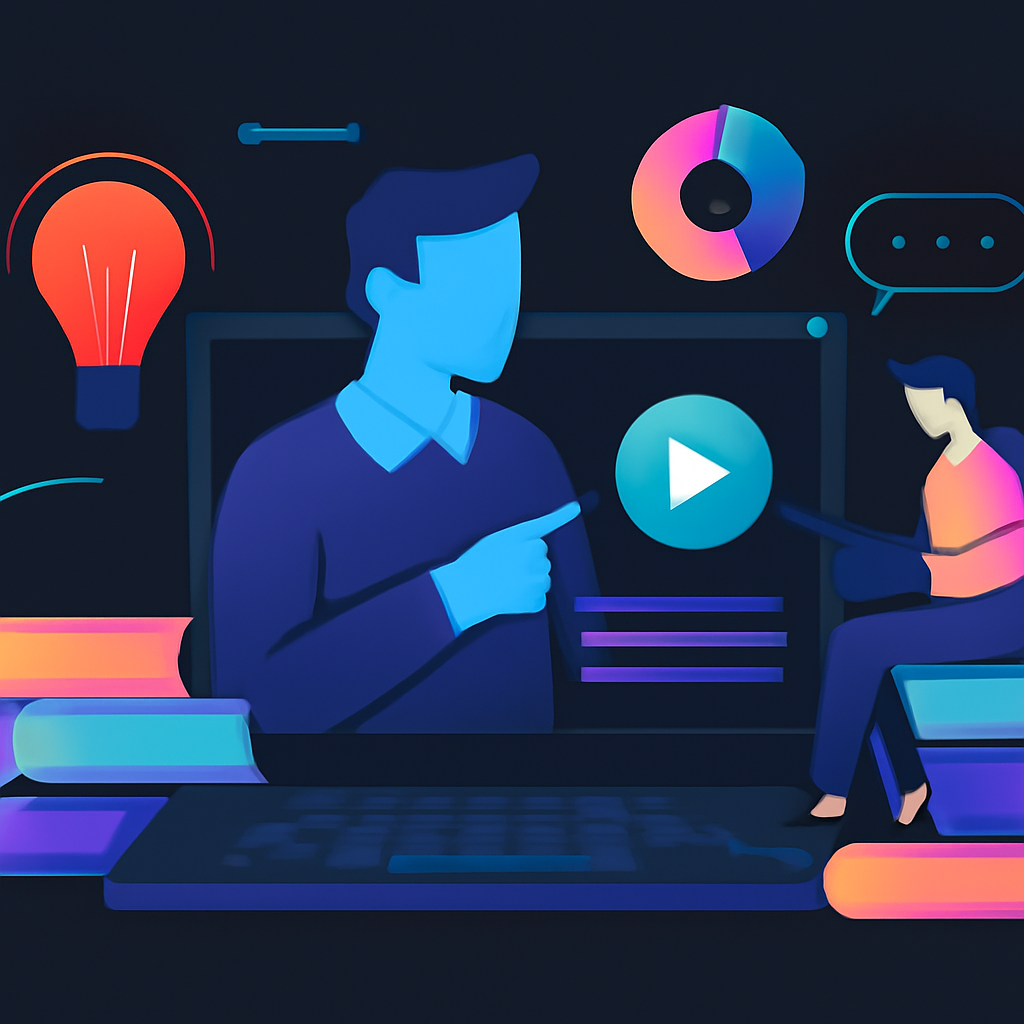
A small business owner named Priya sits at her desk, the clock showing 10 PM. She’s answering the same question about her salon’s booking system for the fifth time that day. Frustrated, she wonders how she can train her staff to handle these inquiries without her intervention. This moment isn’t unique to Priya; it’s a snapshot of a larger challenge many business owners face: training staff effectively while juggling the myriad day-to-day tasks that come with running a business. If only there were a way to streamline this process using AI and other digital tools.
Creating training materials for your staff doesn’t have to be another item on your ever-growing to-do list. In fact, with the right approach, you can use AI to develop clear, concise, and engaging training materials that not only save you time but also enhance the productivity of your team. Let’s explore how you can make this happen.
Understanding the Time and Cost of DIY Training
Before you dive into the specifics, it’s helpful to establish a frame of reference with a real-world example. Consider Raj, a digital marketing freelancer in Mumbai. Initially, he spent around 20 hours a week creating training materials for his team. He used free tools like Google Docs and Canva, but the output was inconsistent, taking up his valuable time and resulting in high levels of frustration.
Realizing the inefficiencies, Raj turned to an expert agency. They initially charged him about ₹30,000 for a comprehensive training package, which included AI-driven content creation tools and professional design assistance. After implementation, his time spent on training dropped to just 5 hours a month, translating to a staggering cost-effectiveness. With his newfound ability to focus on core business functions, Raj not only recouped his investment but also saw a boost in team productivity.
This is where hiring experts like Respawn Digital pays off. You can turn a tedious process into a streamlined operation, resulting in a more efficient and capable team.
Start with Clear Objectives
Before you embark on creating training materials, define what you want to achieve. Are you training new hires? Or are you updating existing employees on new tools and processes? Having a clear objective helps shape your content. You should ask yourself:
- What specific skills do my team members need?
- What outcomes are expected from this training?
- How will I measure success?
This initial step may seem straightforward, but it lays the foundation for your training materials. Many business owners overlook this phase and end up creating irrelevant or disjointed content. Take your time here; it’s worth the effort.
Utilize AI Tools for Content Creation
Once you have your objectives in place, it’s time to use AI to generate the actual training materials. Some excellent tools include:
-
ChatGPT or Jasper: These AI writing assistants can help you draft scripts or guidelines. For instance, if you need a training guide on customer service best practices, you could input your parameters and let the AI generate a draft.
-
Canva: While not strictly AI, Canva uses smart design features that significantly reduce the effort required to create visually appealing content. You can start with templates tailored for training presentations.
-
Loom: For those who prefer video, Loom allows you to create screen recordings of processes. You can explain complex tasks while showing your screen, creating a richer training resource.
-
Articulate 360: This suite is ideal for creating interactive e-learning modules. It’s a more investment-heavy option, costing around ₹15,000 per month, but if you have ongoing training needs, it can be worth it.
-
Google Workspace: Use tools like Google Slides and Google Docs to collaborate and refine your content with the help of your team. The cloud-based nature of these tools makes it easy to update materials anytime.
Remember, these tools require some level of expertise. If you’re not familiar with how to effectively use them, you might find yourself spending more time than necessary. This is where hiring professionals becomes sensible. They can set everything up for you, saving you valuable time.
Design Engaging Content
After you have your drafts and materials, the next step is to design engaging content that resonates with your audience. Here, you should consider:
-
Visuals: Use graphics, infographics, and charts to break down information visually. Tools like Canva help create these easily.
-
Interactivity: Make the training interactive by incorporating quizzes or scenarios. This approach often results in better retention of information.
-
Personalization: Tailor the content to your audience. If you’re training a tech-savvy team, add advanced content. For less experienced staff, simplify the material.
Creating engaging content requires a blend of creativity and technical skills. Many business owners underestimate how much thought and effort goes into effective training material. It’s often best left to professionals who can ensure that your training isn’t just informative, but also enjoyable.
Implement and Evaluate
Once your materials are ready, it’s time for implementation. Roll out your training in a controlled manner. Start with a small group and collect feedback. This pilot testing phase is crucial; it helps you identify any gaps or areas for improvement.
After training, evaluate effectiveness through assessments or feedback surveys. This will guide future training sessions. A common mistake is to overlook this evaluation step, resulting in wasted time and resources.
However, this step alone can take professionals several hours to get right. You’ll need to sift through feedback, analyze data, and adjust your training approach based on results. If you can, engage with experts to interpret the data efficiently.
Automation for Continuous Learning
Finally, consider automating parts of your training process. You can set up an LMS (Learning Management System) like TalentLMS or Moodle, where employees can access training materials at their own pace. Automated reminders can nudge staff to complete their training.
The beauty of automation is in its ability to scale. Once it’s set up, you can focus on the strategic aspects of training while letting technology handle the logistics. However, establishing an LMS that meets your specific needs can be complex and is best done with the help of specialists.
If the thought of setting up this entire infrastructure feels daunting, you’re not alone. Many business owners find themselves stuck at this phase, unsure of how to proceed or overwhelmed by the technicalities. The investment in an expert agency can yield significant returns, allowing you to get straight to results without the frustrating setup.
If you’d rather skip the setup and get straight to results, this is exactly what Respawn Digital does. We handle the full setup for you — visit respawn.digital or WhatsApp us directly. Let us take the burden of creating effective training materials off your shoulders so you can focus on what you do best: running your business.
Ready to Work Smarter?
At Respawn Digital, we design AI-powered automations that free up your time and cut operational costs — so you can focus on running your business, not running yourself ragged.
Explore Respawn Digital →